table of contents
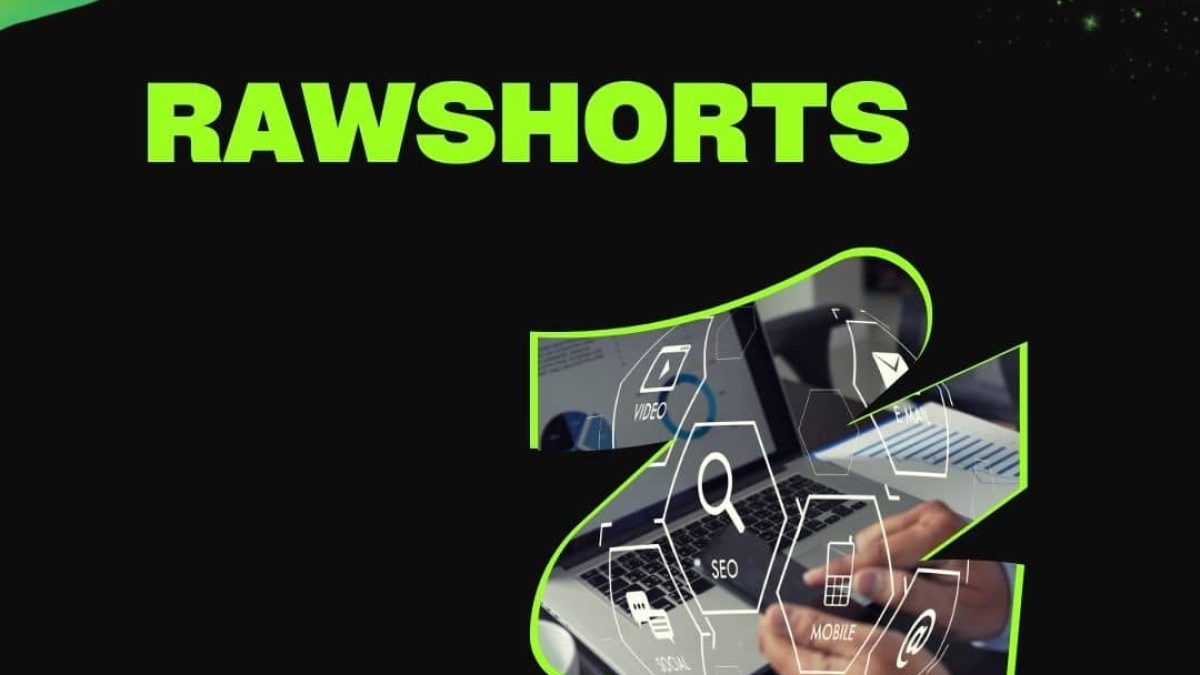
With the increasing demand for visual content in digital marketing and online advertising, the need for easy and powerful video production tools has become urgent. One tool that perfectly meets this demand is RawShorts, an AI-powered tool for creating animated videos quickly and easily, even if you have no prior video editing experience. It allows individuals and businesses to produce engaging and professional videos for marketing, training, presentations, and more. In this article, we’ll explore how the tool works, its features, and how it can be used effectively in various fields.
What is RawShorts?
It’s an AI-powered animated video creation platform that automatically converts text and scripted content into videos. This tool allows users to create promotional videos, social media videos, product or service demonstration videos, and training videos without any prior experience in video design or editing.
Artificial Intelligence in RawShorts
One of its biggest innovations is its ability to automatically convert text into video using artificial intelligence. The tool reads the text, understands its context, and then selects animations, text, and music that align with the video’s core message, making the video creation process remarkably quick and easy. Thanks to this, individuals and businesses can create professional videos in just minutes.
How RawShorts Work
1- Registration and interface:
The first step to getting started with RawShorts is to register on the platform. After registering, users gain access to an easy-to-use interface that allows them to start creating videos immediately. Once logged in, users can choose from pre-made templates or start creating a video from scratch.
2- Enter the text and convert it to video:
One of the most attractive features of this tool is the ability of artificial intelligence to automatically convert text into video. All the user needs to do is enter the text they want to convert into a video, and the artificial intelligence then analyzes the text and identifies appropriate elements to use in the video. It then provides a set of suggestions, including scenes, animations, and music that match the text.
3- Video customization:
Although the video is automatically generated based on the text, the user can customize it extensively. They can add or delete scenes, modify text, change images or animations, and even modify the audio. With this level of customization, each user can create a video that perfectly reflects their marketing or educational message.
4- Add animations and transitions:
After customizing the text and content, users can add animations and transitions to make the video more interactive and engaging. It has a huge library of ready-made animations that can be added with just a click, making the process significantly easier.
Transition words and their importance in improving video
Transition words play a significant role in improving the flow of a video, making it clearer and smoother. When creating videos with .com, transition words can be incorporated into written text to easily guide viewers through the video.
1- Organizing information:
By using transition words like “first,” “second,” and “finally,” users can organize information in educational or explainer videos. This helps viewers follow the main idea without feeling distracted.
2- Clarification and detail:
When introducing a complex topic or concept, transition words like “for example,” “in addition,” and “to illustrate” can be used to ensure the message is communicated to the audience. Transition words make videos easier to understand and help present information in a clear and organized manner.
3- Moving between topics:
If your video covers multiple topics, transition words like “Furthermore,” “On the other hand,” and “In addition” can be used to facilitate the transition between different topics. This makes the video more cohesive and helps keep the audience engaged and engaged until the end.
RawShorts Features
1- Ease of use:
One of RawShorts’ biggest advantages is its ease of use. Thanks to its simple and intuitive user interface, anyone can create a professional video, even if they have no prior video editing experience. The tool offers ready-made templates, animations, and music, making the video creation process quick and simple.
2- Artificial intelligence:
The artificial intelligence used in RawShorts saves a lot of time and effort. Instead of spending hours manually editing videos, the tool can read text and automatically generate a video using elements that fit the message. This makes the work easier for individuals and businesses that need to produce videos on a large scale.
3- Advanced customization:
Although RawShorts offers an automated video creation process, it also offers advanced customization options. Users can modify every element of the video, from text to graphics and music, making the videos they produce unique and accurately convey the user’s message.
4- Ready-made animation:
RawShorts offers a huge library of ready-made animations that users can use in their videos. This helps make videos more engaging and professional without having to create animations from scratch.
5- Integration with social media platforms:
Once you’re finished editing your video, you can easily export it to social media platforms like YouTube, Facebook, and Instagram. This integration makes it easy to share your videos with your audience without any complicated steps.
Uses of the RawShorts tool
1- Digital Marketing:
RawShorts is widely used in digital marketing. Whether you’re marketing products or services, you can use the tool to create short, engaging marketing videos. With advanced text-to-video capabilities, businesses can create visual content that helps engage customers and increase engagement.
2- Explanatory videos:
If you need to explain a complex concept or a new product, RawShorts can help you create explainer videos that are simple and easy to understand. Animations and text can make complex messages clearer and simpler.
3- Training and education:
Educational videos are an effective way to present information visually. With RawShorts, teachers and trainers can create interactive training videos that help deliver information easily and in an engaging way.
4- Social media content:
RawShorts makes it easy to create video content specifically for social media platforms. With ready-made templates, users can create engaging short videos tailored to the needs of platforms like Instagram and Facebook, boosting engagement and participation. Learn more about its uses at https://www.rawshorts.com.
Challenges of Using RawShorts
1- Complete reliance on artificial intelligence:
Although RawShorts’ AI makes video creation easier, relying solely on it can sometimes lead to suboptimal results. Users may need manual intervention to adjust details and ensure the video accurately conveys the intended message.
2- Limited allocation:
Although RawShorts offers good customization options, some users may find the options limited compared to other professional video editing tools. If you need very precise customizations, you may find some limitations in the tool.
Future and expected developments of the RawShorts tool
As AI technologies advance, RawShorts is expected to see continued improvements that increase its efficiency and ease of use. We may see more AI-powered features in the future, such as content analysis and animation quality enhancement. Integration with other technologies: RawShorts may see greater integration with other tools such as graphic design software or e-commerce platforms, allowing users to create more personalized videos.
Ultimately, RawShorts is one of the leading tools for creating animated videos using artificial intelligence. Whether you work in digital marketing, education, or want to create content for social media, the tool provides an easy and quick solution for creating engaging and effective videos. To learn more about these tools, visit https://tech.khutana.com.
Questions about the article RawShorts: Artificial Intelligence in the Service of Animated Video Production
Is Raw Shorts free?
The Raw Shorts Starter plan is available for a 7-day free trial. We want you to have the opportunity to experience our platform with ease. By offering a free option, you can try out our templates, drag-and-drop video builder, and much more.
With the Starter plan, you can create videos with basic and premium assets, but to export them, you must export the basic assets in 480SD only, with the Raw Shorts watermark and outro, and upload them directly to YouTube.
Are there ready-made templates in RawShorts?
Raw Shorts has created a wide range of professionally designed video templates across a variety of genres, helping you create better videos with less effort and speed. To get started with these templates, first navigate to the video templates page: rawshortshort.com/wizard. From there, you can select your video format (landscape, square, or portrait) and its category (marketing, food, fitness, etc.). After selecting these categories, you’ll see a list of templates that meet your criteria in the form of “tiles.” Clicking the play icon allows you to preview the template. If you like the template and want to use it, click the “Edit Template” icon at the bottom right of the template box. Once you click the “Edit Template” icon, you’ll be taken to a new page where the video builder opens and the selected template is loaded. Once the video builder opens and the template is loaded, you can make any customizations you want. You can add or delete scenes, swap icons, change the text, edit the timeline, and much more.
What payment methods are accepted at RawShorts?
The following credit cards are accepted:
Visa
Mastercard
American Express
Discover Card
Can RawShorts send me an invoice?
Yes. You should have received a payment confirmation that includes your total purchase and the date your account was upgraded. If you didn’t receive it, please check your spam folder and/or change your email settings to allow messages from Raw Shorts.